
If you’re using the US version of BookBub’s website, you’ll find the search bar located in the upper right area of the screen, represented by a magnifying glass icon, as shown in this example screenshot:

To search, select the search bar and begin typing. You can search by book title, author, or keyword.
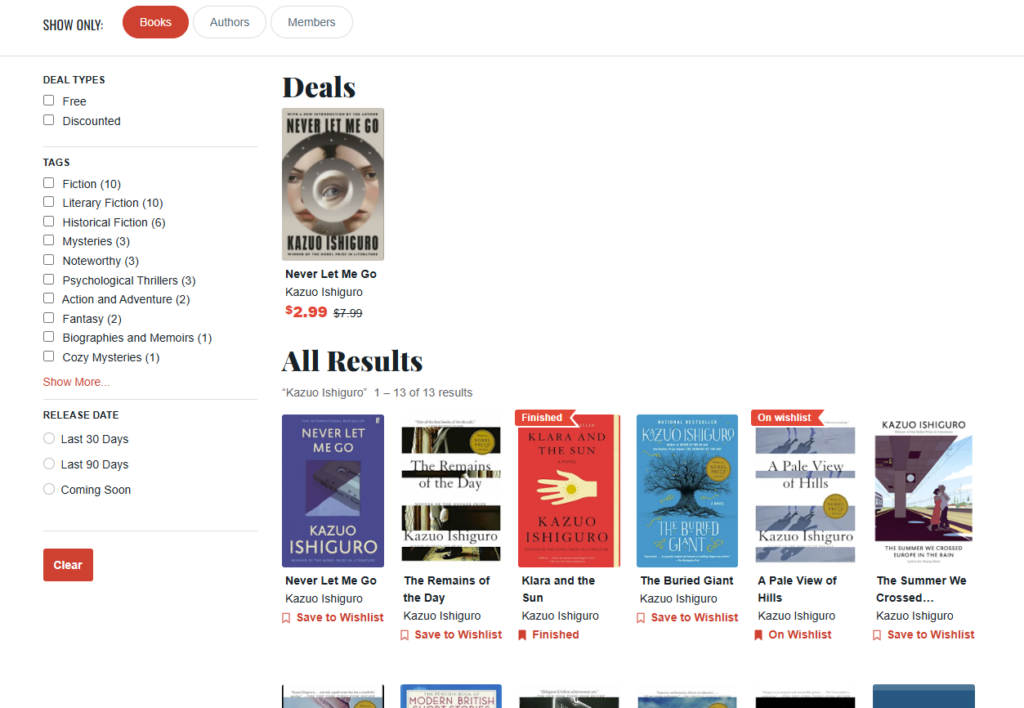
On the search results page, any current deals matching your search terms will be highlighted at the top of the page, with additional results below. You can also filter the search results to show only books, authors, or fellow BookBub members, as well as by deal type, tags, and release date.
If you aren’t able to find the book or author you’re looking for, check out this FAQ page, with information about how to let our team know: A book or author is missing from your website. How can I let you know?